See how your team can save up to 80% of the time spent uploading products with SBAM.
Connect your sources and… SBAM! The entire catalog is online in less time than a meeting.
Bring the source
Drop files
Photo
PDF
CSV
XLSX
or
Connect a source
ERP
PIM
Existing store
Feed
2,000 products
SBAM structures the batch
Manual preparation
Idle
SBAM draft preparation
Idle
Routes & publish
2,000structured product drafts
Default
Autopilot
Drafts continue automatically toward publication.
If needed
Review exceptions
Only missing or uncertain information is checked, then rejoins the flow.
Publish to your online channels
Manual preparation
15 min / product · ≈ €5 / product
500 h 00 m≈ €10,000
SBAM draft preparation
3 sec / product · < €0.30 / product
1 h 40 m< €600.00
Running
Not another tool that generates one product at a time.
Works from your actual sources.
Supplier files and connected catalog sources enter the same workflow.
Works at batch level.
SBAM prepares catalog-scale structured product drafts instead of starting from a blank prompt for every product.
Asks for attention only when needed.
The main route stays automatic; uncertain or missing information branches to review.
Moves toward publication.
The output is operational catalog work, not isolated generated text.
Built for catalog operations with real complexity.
SBAM is being piloted with e-commerce teams whose catalog work is frequent, source-heavy and still slowed by product-by-product preparation.
New products arrive from suppliers regularly.
Product information lives across files and connected systems.
People still rebuild listings field by field.
Incomplete information creates review bottlenecks.
The catalog must reach one or more commerce destinations.
Autonomy should increase with evidence.
Autopilot handles the main route. When an exception needs human judgment, SBAM sends that exception to review before publication continues.
AUTOPILOT ON
Continue to configured destinations when publishable.
AUTOPILOT OFF
Mark ready → Choose destinations → Publish
A private pilot, not open access.
The SBAM pilot is limited to 20 companies. Twelve have already been selected, so eight pilot places are currently available. Every application is reviewed, and access is granted only when the operation matches the approved pilot ICP in full.
Applying does not guarantee access. If the fit is complete, we will invite the team into the guided pilot.
Questions, answered plainly.
What can I bring into SBAM?
Upload product photos and images, PDF, CSV, XLSX spreadsheets and invoices, or connect an ERP, PIM, an existing e-commerce store or a store/catalog feed. The sources your team already receives enter one workflow.
What happens when product information is missing?
The main route stays automatic. When information is uncertain or missing, SBAM routes that exception to review before publication continues; everything else keeps moving on Autopilot.
Does SBAM publish automatically?
With Autopilot on, publication continues automatically to the destinations configured for that catalog once a record is publishable. With Autopilot off, a person marks the record ready, chooses destinations, then publishes. Scrolling this page never publishes anything.
Is SBAM a PIM?
No. SBAM is not a PIM or a system of record. It turns incoming sources into complete structured product drafts and moves them toward publication on your commerce destinations.
How does pilot selection work?
Every application is reviewed. The cohort is capped at 20 companies; twelve have already been selected and eight pilot places are currently available. Access is granted only when the operation matches the approved pilot ICP in full. A submitted application does not guarantee access.
The catalog workspace that learns how your store works.
SBAM keeps products, catalog structure and channel rules in one place, so every new product starts with the context the store already has.
Products/Illustrative record
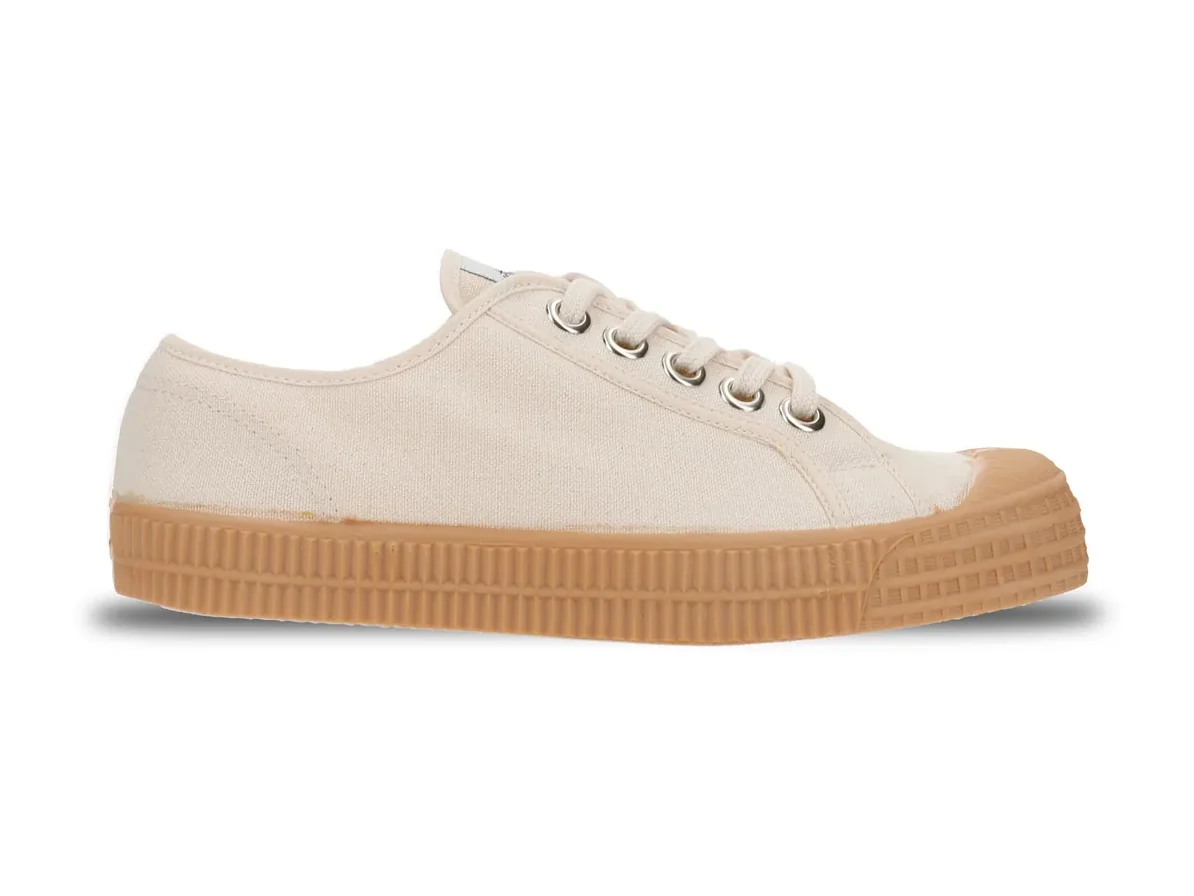
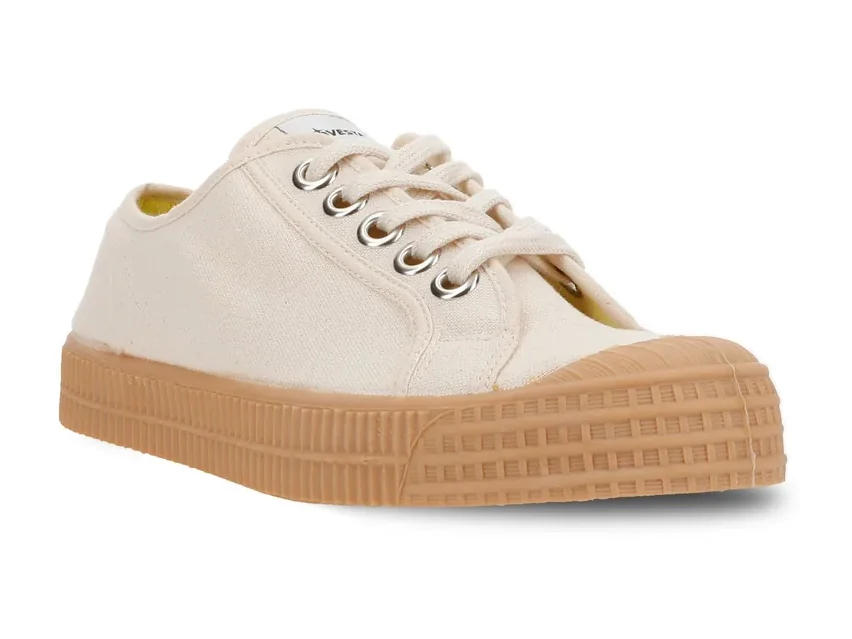
Star Master 99 Beige
Draft
6 official reference views · one verified model and colorway
Title
Star Master 99 Beige
Brand / supplier
NOVESTA
Type
Low-top canvas sneaker
Source
Official product reference
Material and color
100% cotton upper
natural rubber sole
beige
Description EN
Low-top sneaker handmade from cotton canvas and natural rubber, with NOVESTA's robust sole and visible vulcanization marks.
Category structureAdult shoes → Star Master → Low-top.
Attribute rulesSize EU 35–48 · color from store vocabulary.
One place to inspect and control every product.
Content, attributes, categories, variants, media, languages, listing state, publication errors: the whole record stays in one working environment.
Built around the structure your store actually uses.
Product work can follow the channel's real required fields, categories, vocabularies, variant structure and languages. This store's, not a generic template's.
Category tree
Home
Adult shoes
Star Master
Low-top canvas
Other models
Required fields
Title
Description
Category
Upper · DE
Size range
Allowed values · color
99 BeigeWhiteBlackGreen
Variant axes
Size EU 35–48 × Color 99 Beige
Languages
ENITDE
Human review stays inside the record.
The team can inspect every field, correct exceptions and see the record state before any publication decision.
Autopilot starts from configured destinations.
Shopify and Amazon are already set for this catalog. Switch Autopilot off when your team wants a manual release path.
Publication mode
Publication follows configured destinations.
One record becomes two destination pages.
The same NOVESTA product data resolves into a storefront page and a marketplace page.
StorefrontPublished
NOVESTA
Star Master 99 Beige
Low-top sneaker handmade from cotton canvas and natural rubber, with NOVESTA's robust sole and visible vulcanization marks.